

Juuson Digitarina


Texte du Storyboard
- Glisser: 1
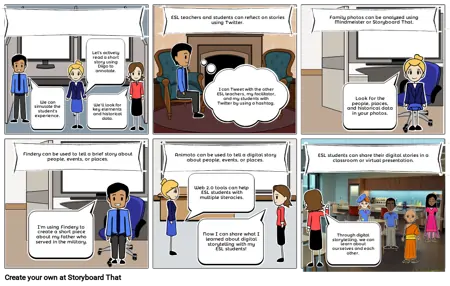
- Let's actively read a short story using Diigo to annotate.
- We can simulate the student's experience.
- We'll look for key elements and historical data.
- Glisser: 2
- ESL teachers and students can reflect on stories using Twitter.
- I can Tweet with the other ESL teachers, my facilitator, and my students with Twitter by using a hashtag.
- Glisser: 3
- Not all ESL teachers are reading specialists.
- Family photos can be analyzed using Mindmeister or Storyboard That.
- Look for the people, places, and historical data in your photos.
- Glisser: 4
- Findery can be used to tell a brief story about people, events, or places.
- I'm using Findery to create a short piece about my father who served in the military.
- Glisser: 5
- Animoto can be used to tell a digital story about people, events, or places.
- Web 2.0 tools can help ESL students with multiple literacies.
- Now I can share what I learned about digital storytelling with my ESL students!
- Glisser: 6
- ESL teachers can help their students to improve their reading and writing by scaffolding the process with Web 2.0 tools.
- ESL students can share their digital stories in a classroom or virtual presentation.
- Through digital storytelling, we can learn about ourselves and each other.