

What made my computer slow Part 2


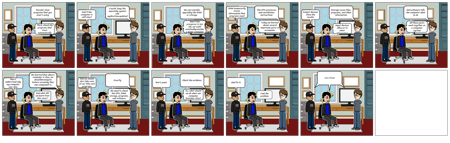
Texte du Storyboard
- Glisser: 1
- Second, close programs that you aren't using
- Third, check the programs that start automatically
- Glisser: 2
- Fourth, keep the operating system and applicationsupdated
- And if the computer is still slow?
- Glisser: 3
- We can consider upgrading the RAM or storage
- And if the processor is too old, we could eventuallyconsider a newer computer
- Glisser: 4
- The CPU processes and coordinates instructions
- RAM temporarily stores information that programs need
- Today we learned about several important parts of acomputer
- Glisser: 5
- Storage saves files, programs, and other information
- Output devices show the results
- Input devices allow us to enter information
- Glisser: 6
- And software tells the computer what to do
- All these parts work together as a computer system
- Glisser: 7
- We learned that when a computer is slow, we shouldinvestigate before assuming that one component is broken
- Now I understand why my computer was slow
- And what did we learn from this case?
- Glisser: 8
- Exactly
- And we should also take care of our files and programs
- We need to check the CPU, RAM, storage, programs, and software
- Glisser: 9
- Check the evidence
- Don't panic
- So, what should we do when our computer becomes slow?
- Glisser: 10
- And fix it
- Find the problem
- Glisser: 11
- Case Closed