

installing software


Storyboard Tekst
- Slajd: 1
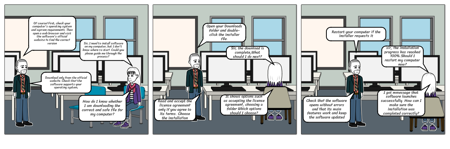
- Of course! First, check your computer's operating system and system requirements. Then open a web browser and visit the software's official website to find the correct version
- Sir, I need to install software on my computer, but I don't know where to start. Could you please guide me through the process?
- Download only from the official website. Check that the software supports your operating system,
- How do I know whether I am downloading the correct and safe file for my computer?
- Slajd: 2
- Open your Downloads folder and double-click the installer file.
- Sir, the download is complete,What should I do next?
- It shows options such as accepting the license agreement, choosing a folder Which options should I choose?
- Read and accept the license agreement only if you agree to its terms. Choose the installation
- Slajd: 3
- Restart your computer if the installer requests it
- sir, the installation progress has reached 100%.Should I restart my computer now?
- I got mmessage that software launches successfully. How can I make sure theinstallation was completed correctly?
- Check that the software opens without errors and that its main features work and keep the software updated