

Basics of the Computer Cartoon


Storyboard Tekst
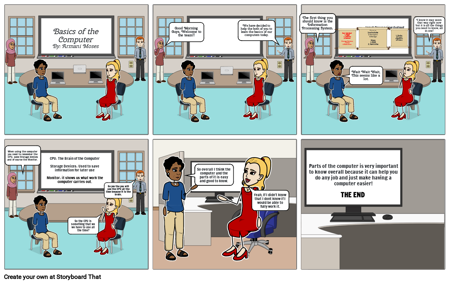
- Basics of the ComputerBy: Armani Moses
- Good Morning Guys, Welcome to the team!!
- We have decided to help the both of you to learn the basics of our computers today.
- The first thing you should know is the Information Processing System.
- User Interface:1. Keyboard2. Mouse 3. Microphone4. ScannerStorage Devices:1.DVD2.Flash Drive
- Input Processing Output
- Wait Wait Wait, This seems like a lot.
- Process1.calculate2. interpret3.changeStore:1. RAM2. Hard drive
- 1. Monitor2.Project3.Speakers4.Printers
- I know it may seem that way right now but it is all the things you need to know, all in one!
- When using the computer you need to remember the CPU, some Storage devices and of course the Monitor.
- CPU: The Brain of the ComputerStorage Devices: Used to save information for later useMonitor: it shows us what work the computer carries out.
- So the CPU is something that we we have to use all the time?
- So yes the you will use the CPU all the time because it is the brain.
- So overall I think the computer and the parts of it is easy and good to know.
- Yeah, If I didn't know that I dont know if I would be able to fully work it.
- Parts of the computer is very important to know overall because it can help you do any job and just make having a computer easier!
- THE END