

Untitled Storyboard


Storyboard Text
- Slide: 1
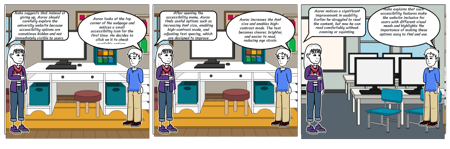
- Neha suggests that instead of giving up, Aarav should carefully explore the university website because accessibility options are sometimes hidden and not immediately visible to users.
- Aarav looks at the top corner of the webpage and notices a small accessibility icon for the first time. He decides to click on it to check available options.
- The text on the website is extremely small, and the color contrast between the text and background is very poor. After a few minutes, my eyes start to strain.
- Slide: 2
- After opening the accessibility menu, Aarav finds useful options such as increasing font size, enabling high-contrast mode, and adjusting text spacing, which are designed to improve readability.
- Aarav increases the font size and enables high-contrast mode. The text becomes clearer, brighter, and easier to read, reducing eye strain.
- The text on the website is extremely small, and the color contrast between the text and background is very poor. After a few minutes, my eyes start to strain.
- Slide: 3
- Neha explains that such accessibility features make the website inclusive for users with different visual needs and highlights the importance of making these options easy to find and use.
- Aarav notices a significant improvement in usability. Earlier he struggled to read the content, but now he can read comfortably without zooming or squinting.
- The text on the website is extremely small, and the color contrast between the text and background is very poor. After a few minutes, my eyes start to strain.